Edit a PDF
Change text and images, add links, and fix typos in place.
Every PDF tool you need, in one free app. Edit text, fill and sign, combine and compress, convert and redact. It runs in your browser, offline, and on Mac and Windows.
Your files never leave your computer. Nothing to install.
No uploads and no daily limits. Pick a category, or browse them all.
Change text and images, add links, and fix typos in place.
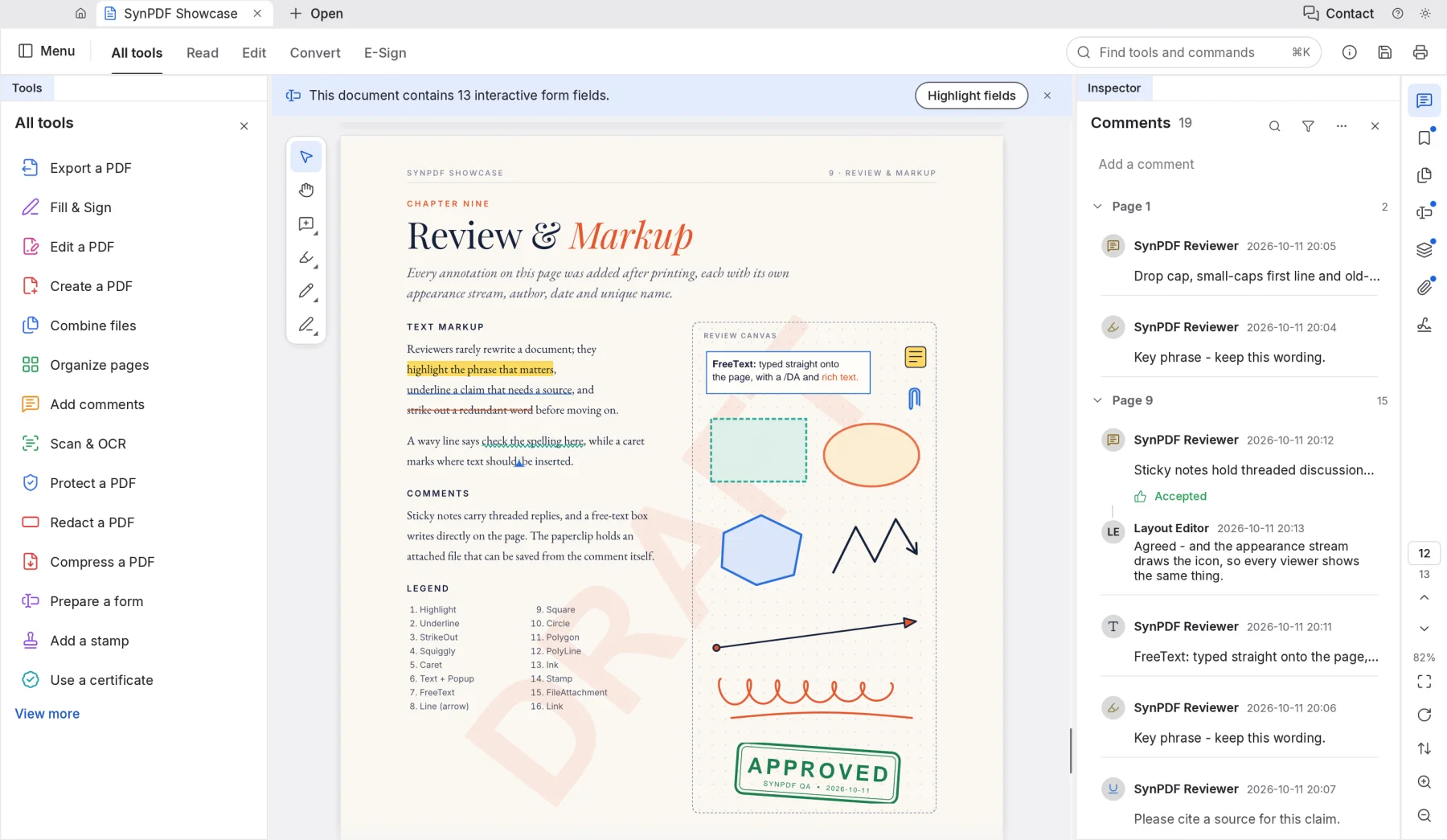
Sticky notes, highlights, underlines, drawings and stamps.
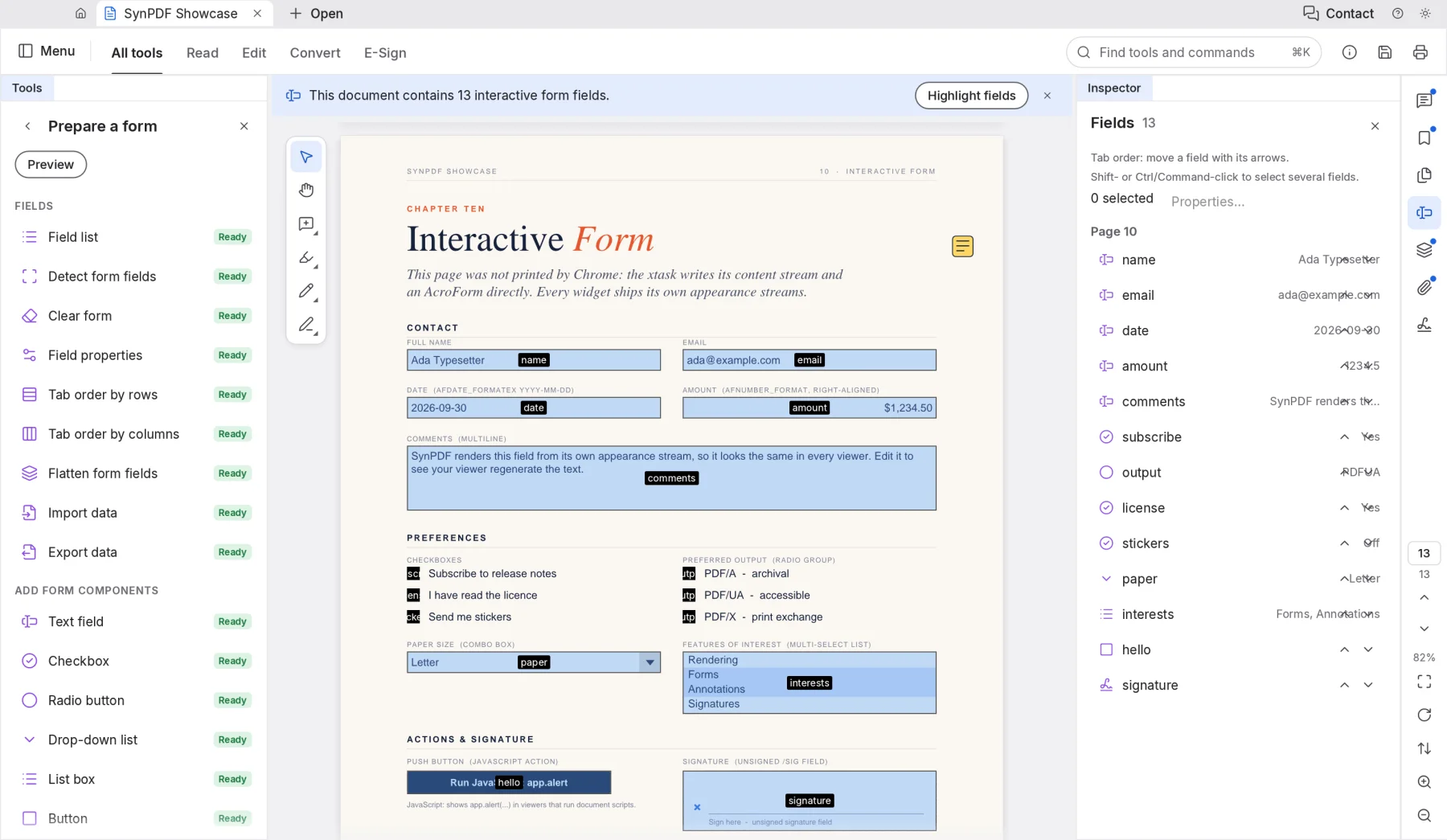
Detect fields automatically, or add text boxes, checkboxes and lists.
Merge PDFs and images into one document, in the order you choose.
Drag to reorder, rotate, delete, crop, insert and number pages.
Split by page count or at chosen pages, or pull out the pages you need.
Save as Word, HTML, RTF, plain text or images.
From images, other files or the clipboard, or start from a blank page.
Turn scans and phone photos into searchable, selectable text.
Reduce the file size for email, or fine-tune images and fonts.
Type into forms and sign with a drawn, typed or image signature.
Certify documents with a certificate and validate others' signatures.
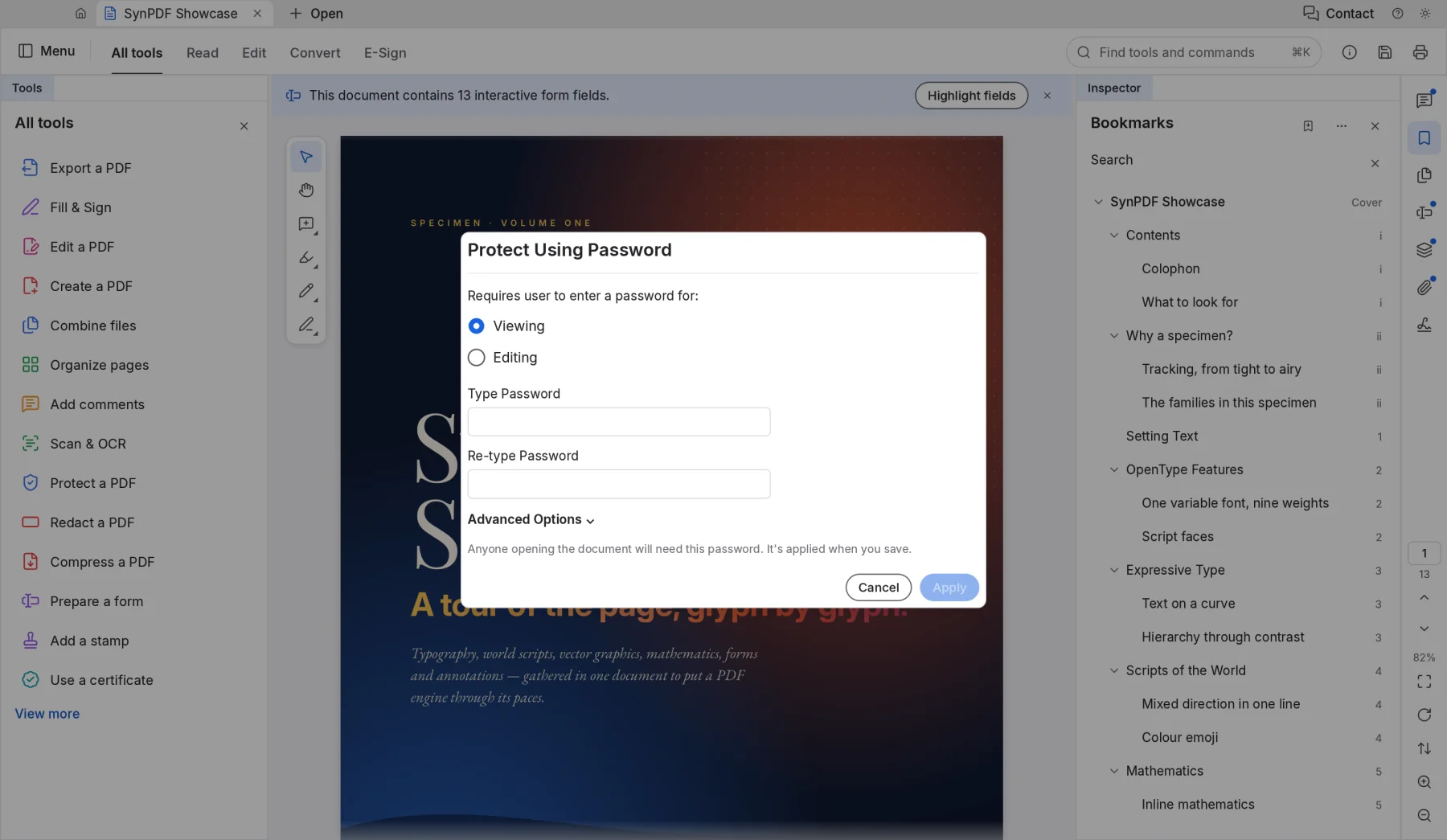
Add a password and choose who may print, copy or edit.
Find and permanently remove names, numbers and whole pages.
Strip metadata, comments and hidden layers before you share.
Real SynPDF screens. Switch between them to see each part of the app.
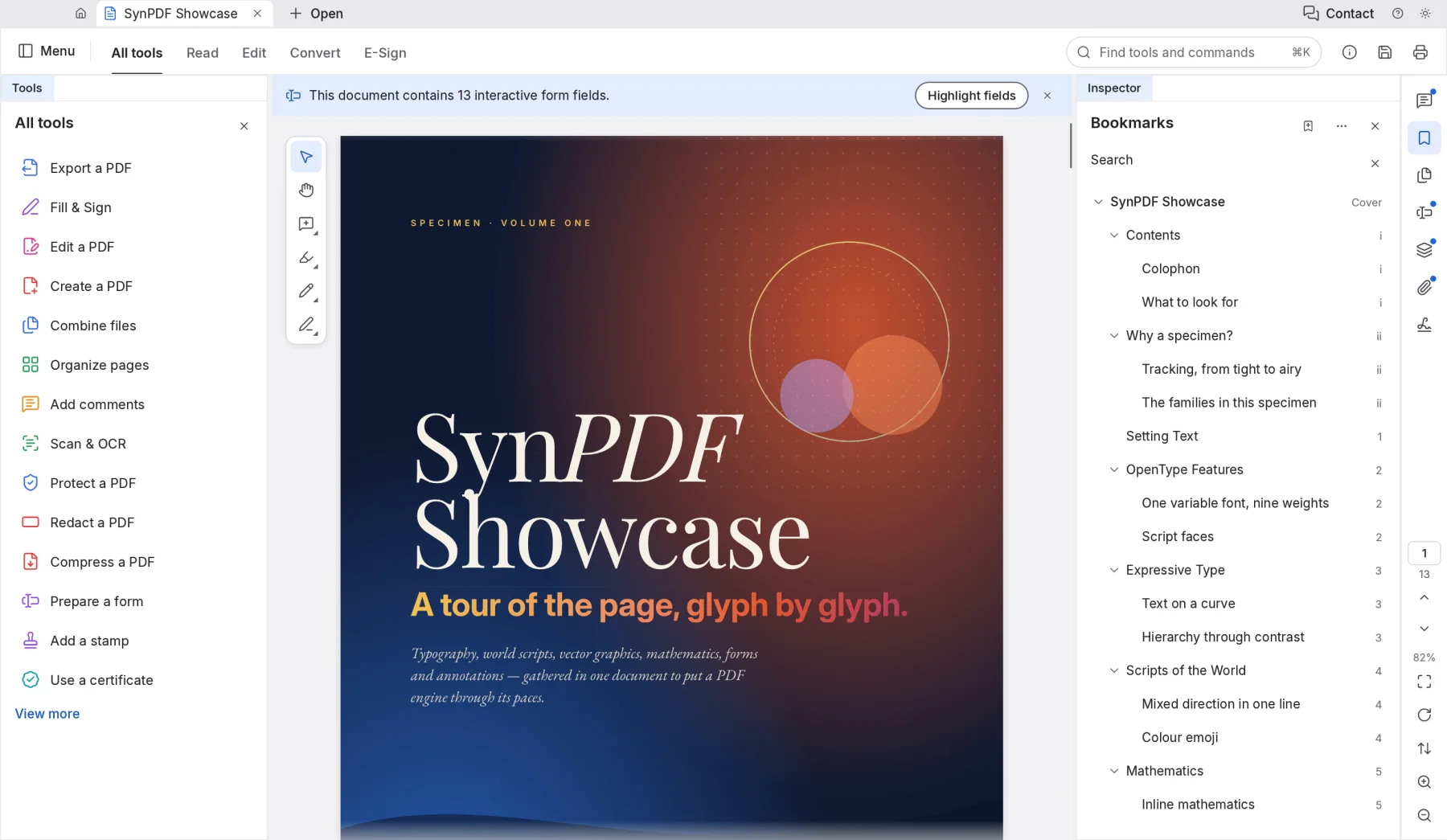
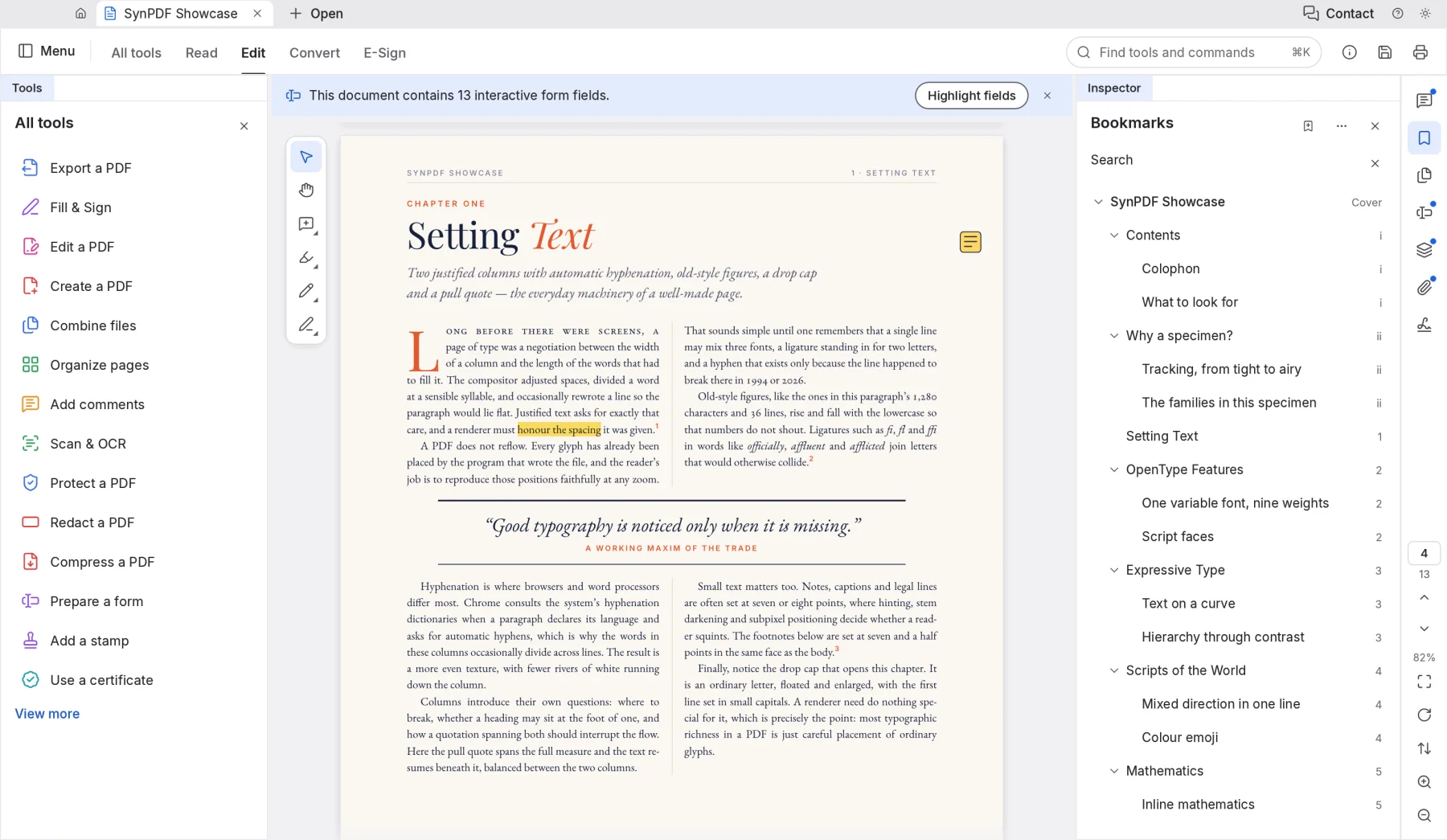
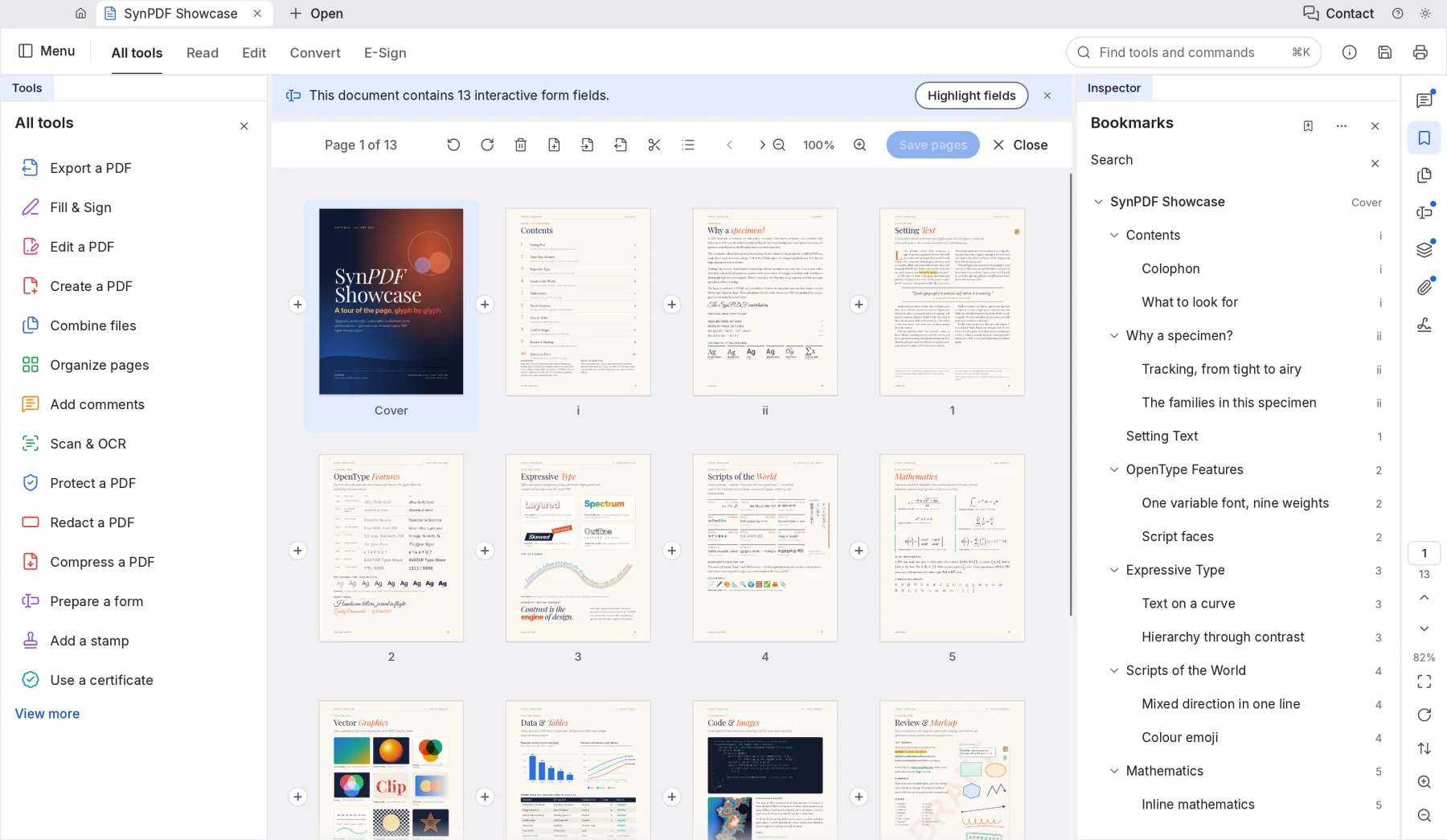
Most online PDF tools upload your documents to their servers. SynPDF does all the work on your own device, so contracts, IDs and payslips stay private.
The online version opens and edits files inside your browser. Nothing is sent to us.
Once it has loaded, SynPDF keeps working without an internet connection.
Nothing to sign up for, no telemetry, and no daily limits.
Every save adds your changes and leaves the original content untouched.
Version 0.6.0 alpha. Free, with no account. The online version is the quickest way to start.
Yes. SynPDF is free while it's in alpha, with no account, no watermark and no limit on files or pages.
No. The online version opens files straight from your computer and works on them in your browser. Nothing is sent to Syntera Labs.
Yes. Edit a PDF lets you change existing text and images. Text in Latin scripts edits best today; right-to-left and Chinese, Japanese and Korean text are still improving.
Yes, with Export to Word. Simple documents convert well; complex layouts may need tidying afterwards. You can also export HTML, RTF, plain text and images.
Chrome or Edge on a recent computer give the best results. Printing from the online version isn't available yet; use the Mac or Windows app to print.
SynPDF is new and improving every week. Keep a copy of important documents before big changes.
Open SynPDF in your browser. It's free, private and nothing to install.
Open SynPDF →